Contour Design
Contour Design Contour Multimedia Controller PRO v2 - Contour Design
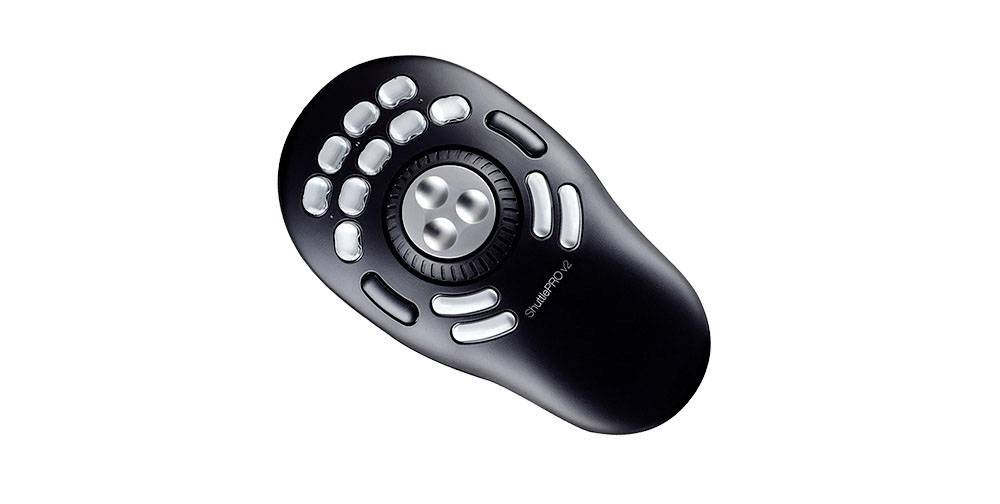
Take control of your multimedia work. Single-handedly. The Contour Multimedia Controller PRO v2 multi-media controller will maximize your audio and video editing, graphic design, or other shuttle and jog productivity with both ideal form and function. Pre-configured for many of the industrys leading audio and video editing applications, 15 customizable buttons will make working amazingly fast and precise by utilizing commonly used macros. Contour Multimedia Controller PRO v2 for Video Editors Whether youre in an NLE like Adobe Premiere or Davinci Resolve, or visual effects software such as Adobe After Effects or Motion our Contour Multimedia Controller PRO v2 will allow you to elevate your editing workflow. Unprecedented Control Our bespoke jog/shuttle wheel design is a throwback to reel-to-reel analog control editing. With a spring loaded outer shuttle ring that allows users to move the playhead through the timeline at variable speeds. Pair this with an our jog dial that gives users frame by frame control, and you will never have to waste time looking for the perfect spot to make an edit again. Buttons for Every Function The Contour Multimedia Controller PRO v2 comes equipped with 15 buttons that, once our driver is downloaded and installed, has preset keyboard shortcuts built in for over 100 software programs Including everything an editor needs. Would you like to know if our driver comes with presets for the software you prefer? Your Contour Multimedia Controller PRO v2, Your Workflow Although our driver comes with presets for all of your favorite software, no one knows your workflow better than you! That is why we made an intuitive driver that allows our users to customize the entire button layout of the Contour Multimedia Controller PRO v2 to perfectly match the way you work. AppDetection The Contour Multimedia Controller PRO v2 driver is able to see the active window on your computer, and will automatically switch the preset shortcuts to match whatever program you are in without ever having to interrupt your workflow. Contour Multimedia Controller PRO v2 for Music Applications The Contour Contour Multimedia Controller PRO v2 is well-known in the video editing community, but its not the first thing that comes to mind when youre trying to streamline your music production workflow. If youre not familiar with the Contour Multimedia Controller PRO v2 , its a table top input device, connected via USB, and devoted to scrolling, navigation, and keyboard shortcuts, courtesy of a jog/shuttle wheel, and 15 buttons. There is a level of immediate support for music software, thanks to the supplied presets for Apples Logic Pro X, GarageBand, and MainStage, as well as other popular music applications such as Ableton Live, Audacity, Bitwig Studio, Reaper, DJ-1800, Izotope RX, Digital Performer, Studio One, Reason, Reaktor, and Traktion. A free editor application gives complete control over the Contour Multimedia Controller PRO v2 assignments, so you can use the dial and buttons for keystrokes, scrolling, clicking, opening files or folders, or for selected system commands such as volume and display brightness. For each keystroke you can add modifiers ctrl, option, shift, or cmd, then enter a qwerty character, or a function key, or a system key such as tab or enter. If youre already aware of the benefits of using your DAWs keyboard shortcuts, this should already be planting little idea-seeds in your head! Im an Ableton Certified Trainer, and my entire day is spent with Live-related activities running classes, creating videos, writing tutorials, and the like, so naturally, here Im using Live as my set-up example. Not everybody uses Live(!), but hopefully itll give you some inspiration about how you can use the Contour Multimedia Controller PRO v2 with your own favourite DAW. As Ive already mentioned, theres an Ableton Live preset included in the Contour editor application, but I decided to create my own assignments instead. Live has a fixed array of keyboard shortcuts, which arent user-editable, but what makes all the difference is the fact that Live also has something called Key Map Mode, where you can assign qwerty characters to many of Lives functions, including transport controls, clip launching, software instrument parameters, and so on. This means that we can go deep with our chosen assignments for the Contour Multimedia Controller PRO v2 (and if necessary you can save more than one set of assignments for the same DAW, perhaps for studio and performance use). I set it up with buttons toggling the Browser, Detail View, Session/Arrangement View, and Mixer. Other buttons were put to work for Stop Clips, scene launching, and effect activation, while the wheel was used to scroll up and down through scenesVis mere
Tilbud
Alle priser inkl. moms; fragt ifølge butikkens feed. Klikket fører direkte til produktsiden i butikken.
Prisudvikling (laveste pris)
Produktdetaljer
- Mærker
- Contour Design
- GTIN
- 00743870004982
- Kategorier
- Eingabe / Ausgabe > Mäuse & Tastaturen > Mäuse
Lignende produkter
 R-Go Tools Evoluent Standard Right - R-Go Tools Evoluent Standard1 tilbudfra 621,36 kr.
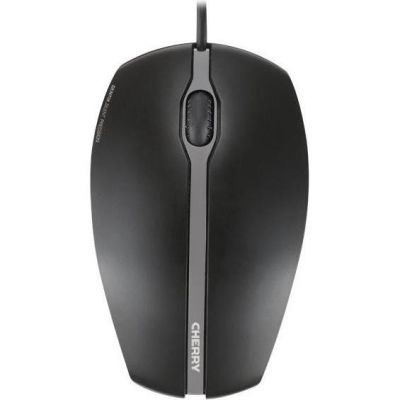 CHERRY GENTIX SILENT Corded Mouse, Black, USB - CHERRY GENTIX SILENT1 tilbudfra 202,74 kr.
 Perixx PERIMICE-713 mouse Office Right-hand RF Wireless Optical 20001 tilbudfra 246,90 kr.
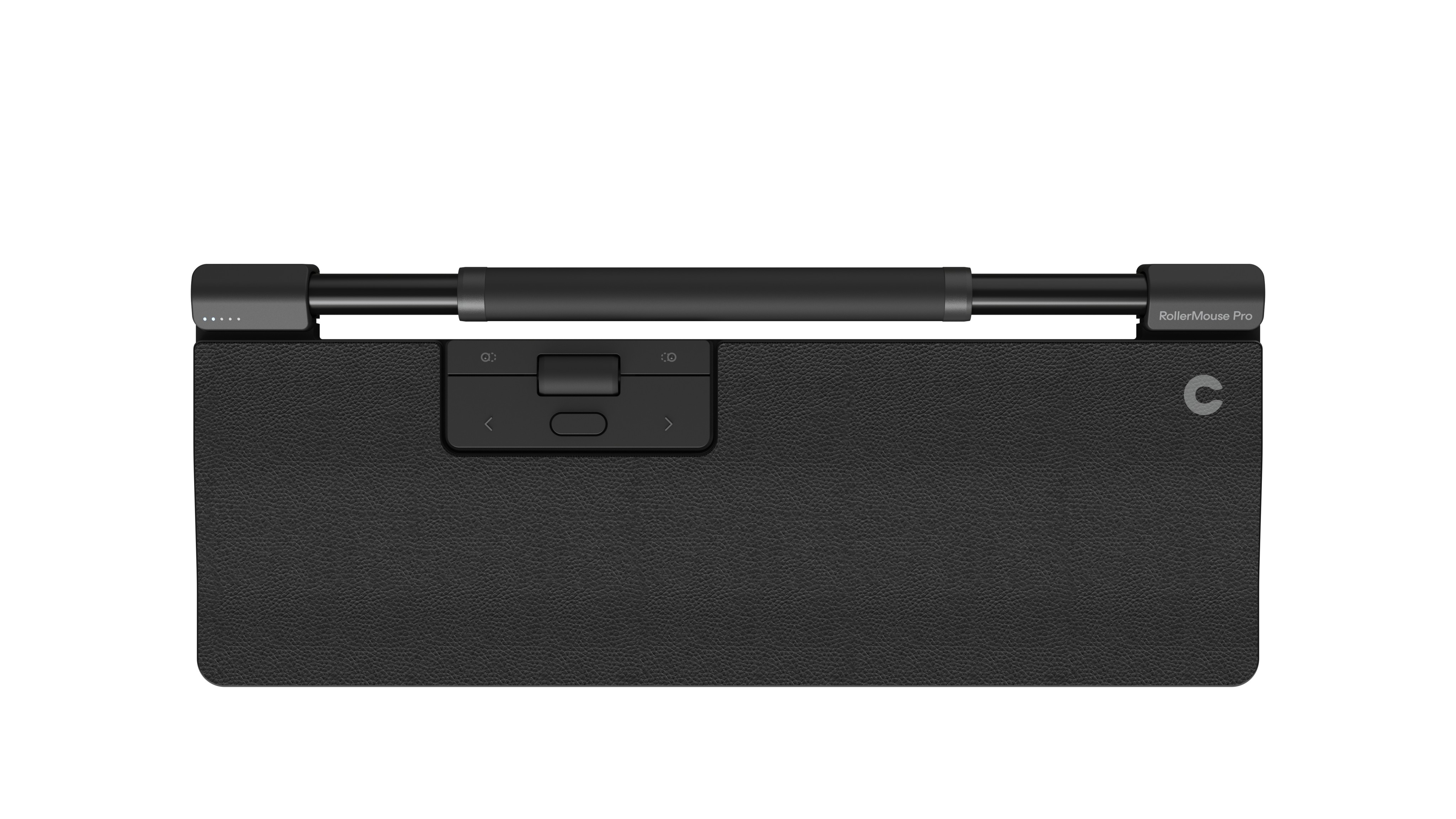 Contour Design RollerMouse Pro Regular Vegan Leather Wrist Rest Wired1 tilbudfra 3.456,15 kr.
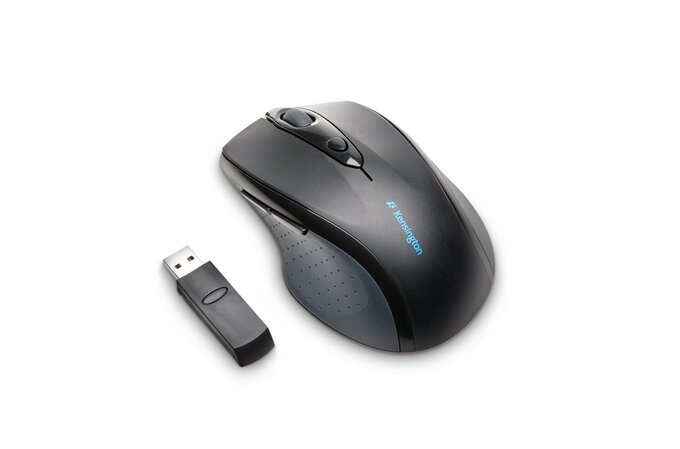 Kensington Pro Fit Wireless Full-Size Mouse - Kensington Pro Fit1 tilbudfra 422,82 kr.
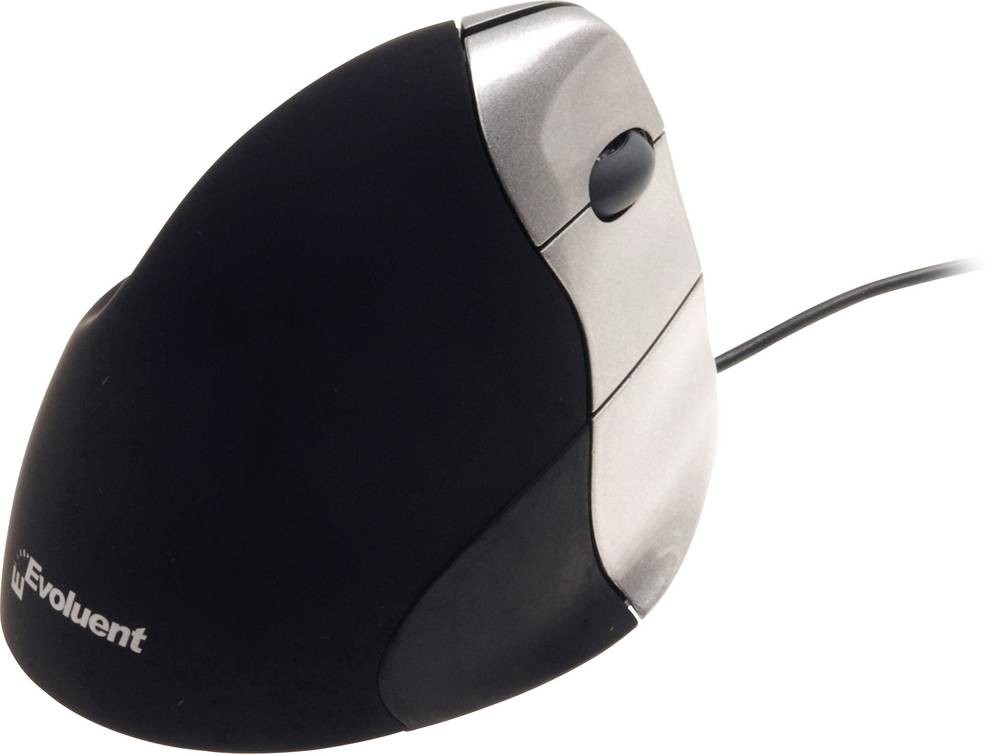 BakkerElkhuizen Evoluent 3 - BakkerElkhuizen Evoluent 3, Right-hand,1 tilbudfra 928,19 kr.