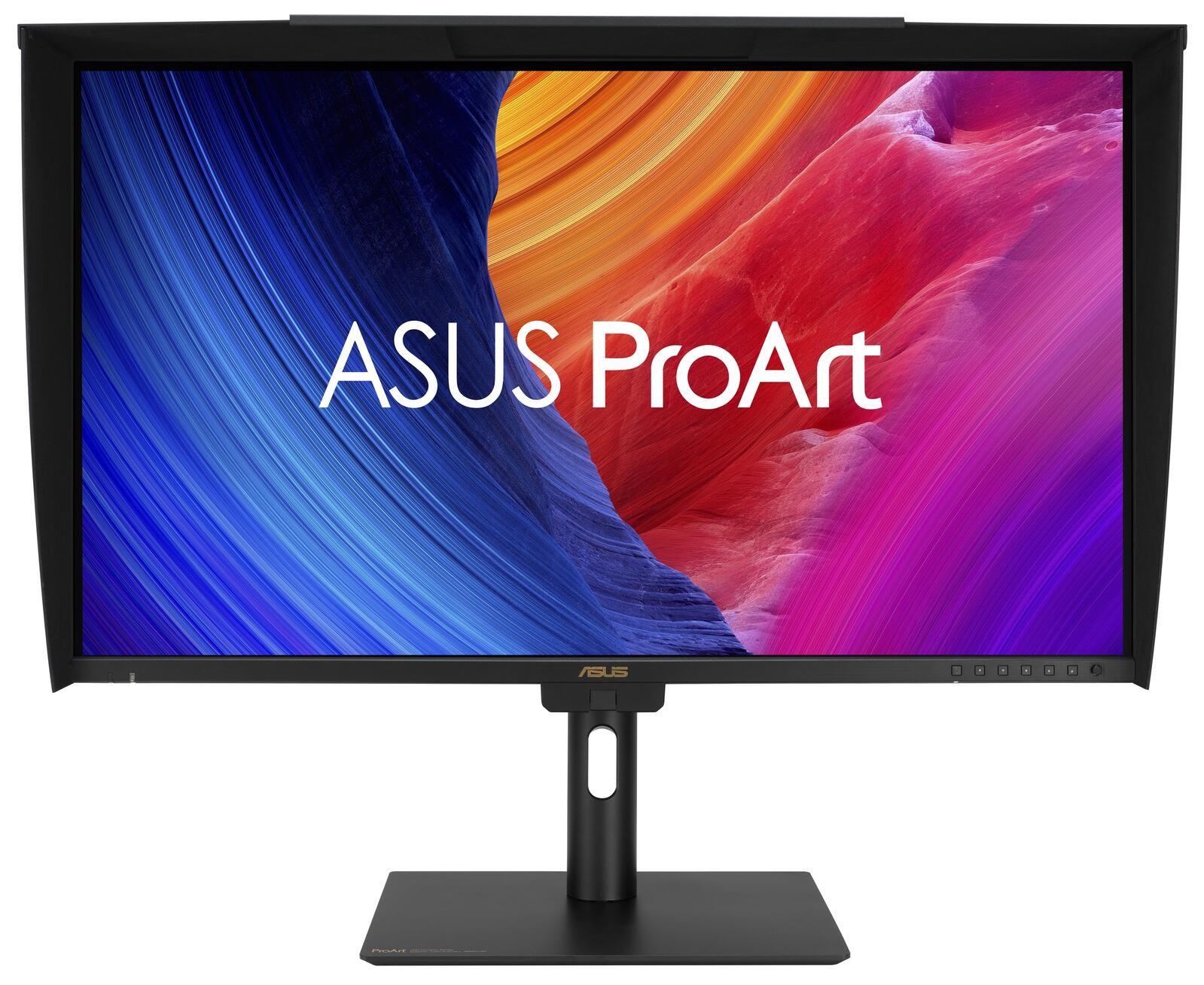
ASUS ProArt PA27UCGE computer monitor 68.6 cm (27") 3840 x 2160 alk. 953,54 € | css.shopping
Asus
ASUS ProArt PA27UCGE computer monitor 68.6 cm (27") 3840 x 2160
4K HDR Professional Monitor Exceptional Color Precision within Reach ASUS ProArt Display PA27UCGE is 27-inch 4K HDR monitors designed for video editors and colorists seeking professional-grade color accuracy. 160Hz high refresh rate, With 600 nits brightness, 98% DCI-P3 gamut, Delta E Empowering Content Creators Colorists Factory calibrated to Delta E Filmmakers & Video Editors A high-resolution monitor with wide color gamut performance, and ultrahigh contrast is a must-have tool when producing 4K HDR content. Game Developers Take advantage of the 48 to 160 Hz refresh rate to create fast-rendering games and conduct quality checks on a single display. Exquisite 4K HDR Visuals The 4K HDR (3840 x 2160) panel up to 300% more onscreen space compared to similarly-sized 4K UHD displays. This increased pixel density results in sharper text and better readability, while offering enhanced visual clarity thats ideal for creators working on detailed design projects. Deeper Blacks, Brighter Whites A peak brightness of 600 nits allow for outstanding contrast between the deepest blacks and gleaming whites. Unleash Creativity with AI The rise of generative AI enables creators to spark inspiration more quickly, bringing infinite creative possibilities to professional creators. The wide color gamut, high resolution, and professional color accuracy of ProArt Displays provide the best visual experience, enjoy a smooth creative experience, and speed up the overall workflow. Turn Imagination into Reality Fast (Photoshop) Discover the power of generative AI with tools for Text to Image and Generative Fill. Simplify the creative process, effortlessly create, adjust, and enhance visuals. Seamless Perfection, Quick Video Edits (Premiere Pro) Generative AI tools streamline complex tasks and boost editing speed. Use features like Object Add/Remove and Generative Extend for quick, precise adjustments. Bring Your World into 3D (Substance 3D Sampler & Stager) Image-to-Texture transforms generative AI for 3D artists, allowing fast creation of photorealistic textures from image. It enhances creativity while integrating smoothly into workflows. Precise, Clear Imagery with LuxPixel LuxPixel technology is an anti-glare, low-reflection (AGLR) coating that provides a paper-like screen effect. Unlike traditional matte panels which often soften imagery, LuxPixel technology minimizes reflections to ensure the user sees accurate colors and sharp details. Photorealistic Colors ProArt monitor is equipped with ASUS Light Sync technology, featuring two sensors designed to ensure remarkable color accuracy and precise color temperature, right on startup. A backlight sensor automatically detects backlight brightness to compensate for deviations at startup, eliminating warm-up time and ensuring accurate color performance, so you can dive straight in to work. An ambient light sensor automatically adjusts display brightness and color temperature based on changes in environmental lighting, ensuring true colors every time. Intuitive and Intelligent Calibration Self Calibration ProArt displays include a built-in colorimeter with an innovative self-calibration feature. This standalone solution is compatible with any operating system and doesnt require additional calibration software. Users may run the calibration process at any time, or schedule it during off hours through the OSD menu. ProArt Hardware Calibration ASUS ProArt Hardware Calibration software* works in both SDR and HDR modes. It saves all color parameter profiles directly on the ProArt monitors internal scaler IC chip instead of the PC. Users can also use ProArt Calibration to schedule regular calibration intervals. ProArt Color Center ProArt Color Center is an online tool designed to help administrators manage the color accuracy of multiple ProArt displays that feature hardware calibration support. Users can check when the monitors were last calibrated, next recommended calibration date, and schedule calibration times for multiple monitorseven if theyre using different color parameters and/or situated in different locations.Näytä lisääNäytä vähemmän